Q.
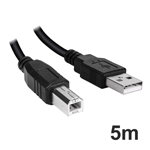
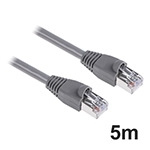
Networking - which sockets does it have - ethernet? USB? -
Wireless printing - AirPrint/Cloudprint compatible?
Duplex printing - is double sided automatic from printer software controls.
Copying scanning - do you have to use the ADF to position paper or can this be done manually
for odd sized docs?
Thanks in advance for your help.
A.
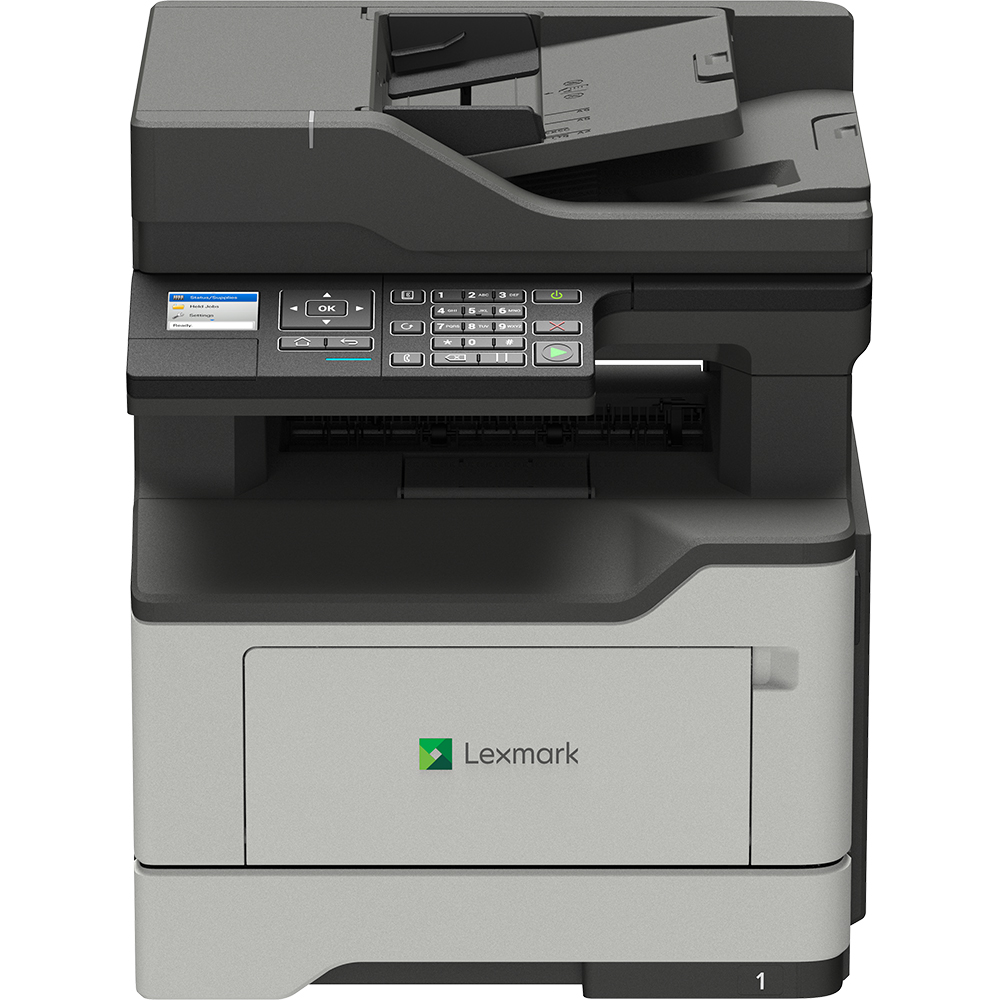
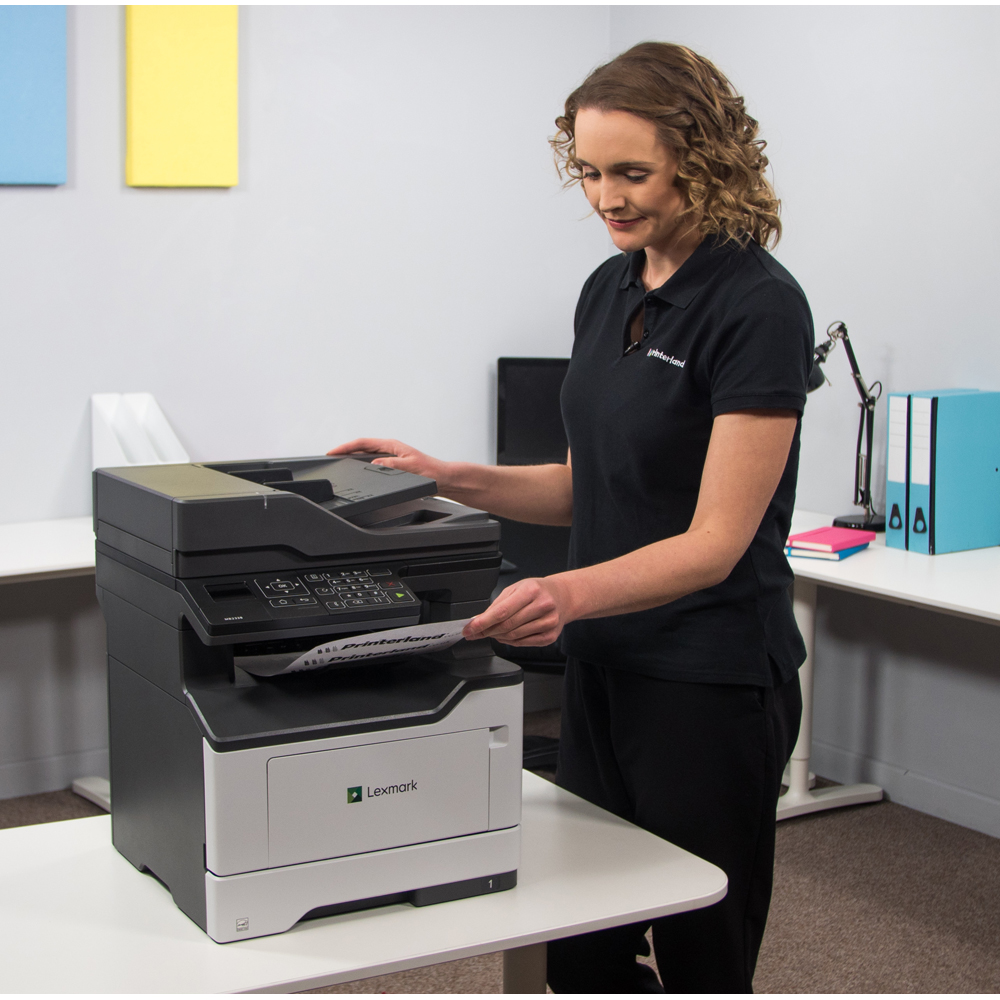
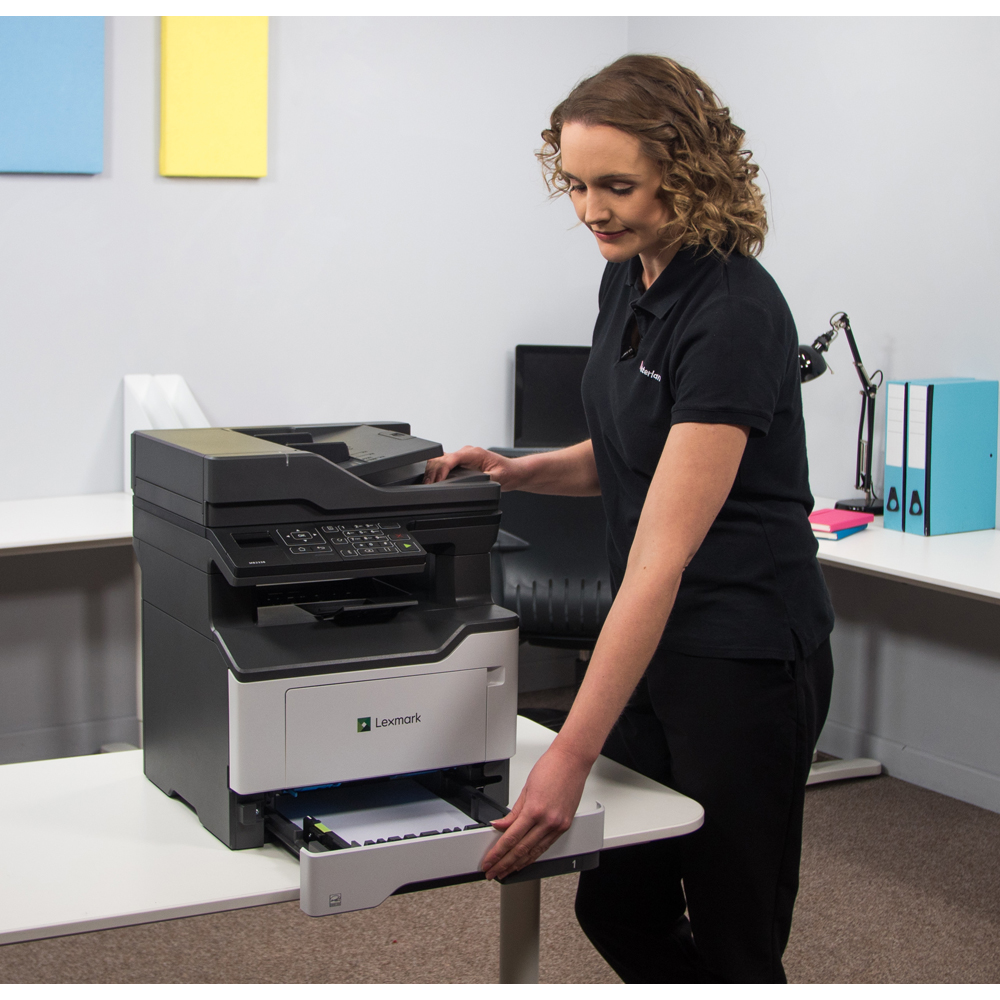
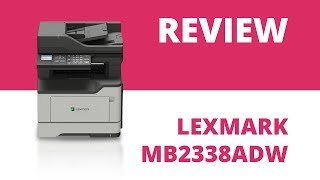
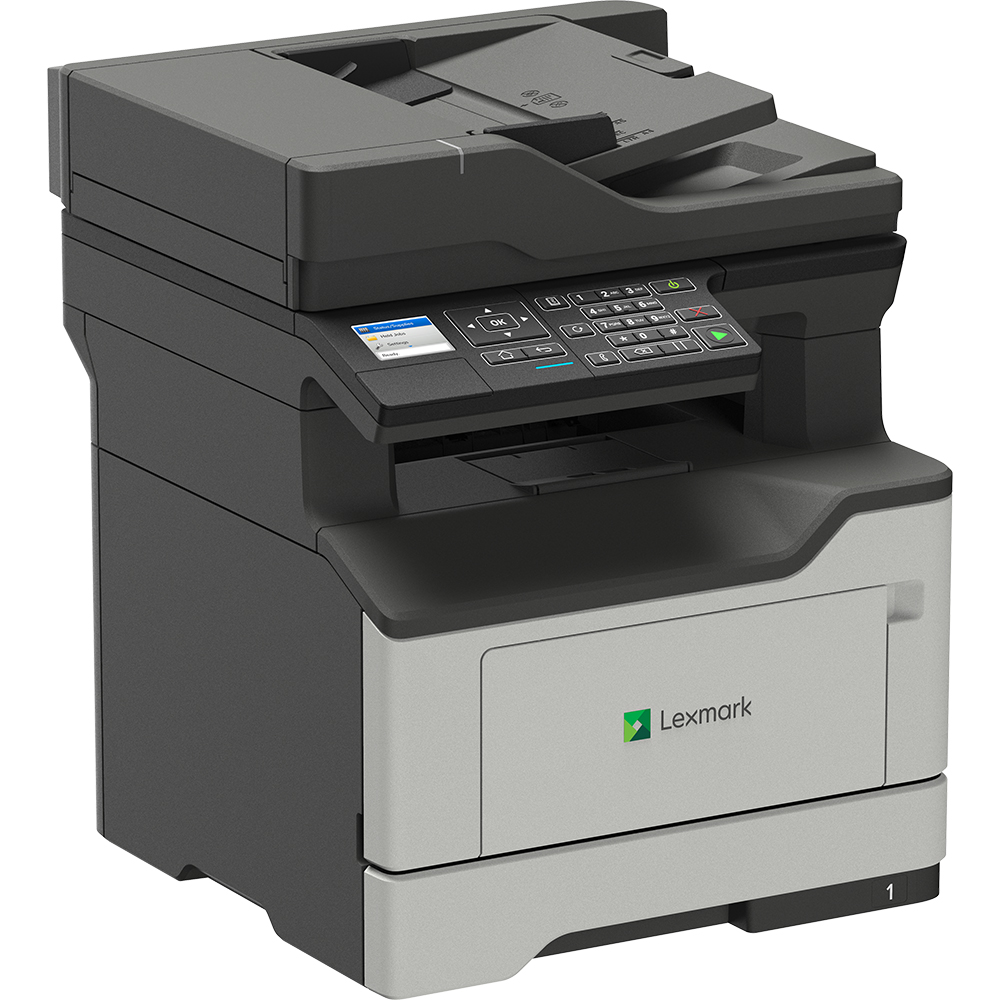
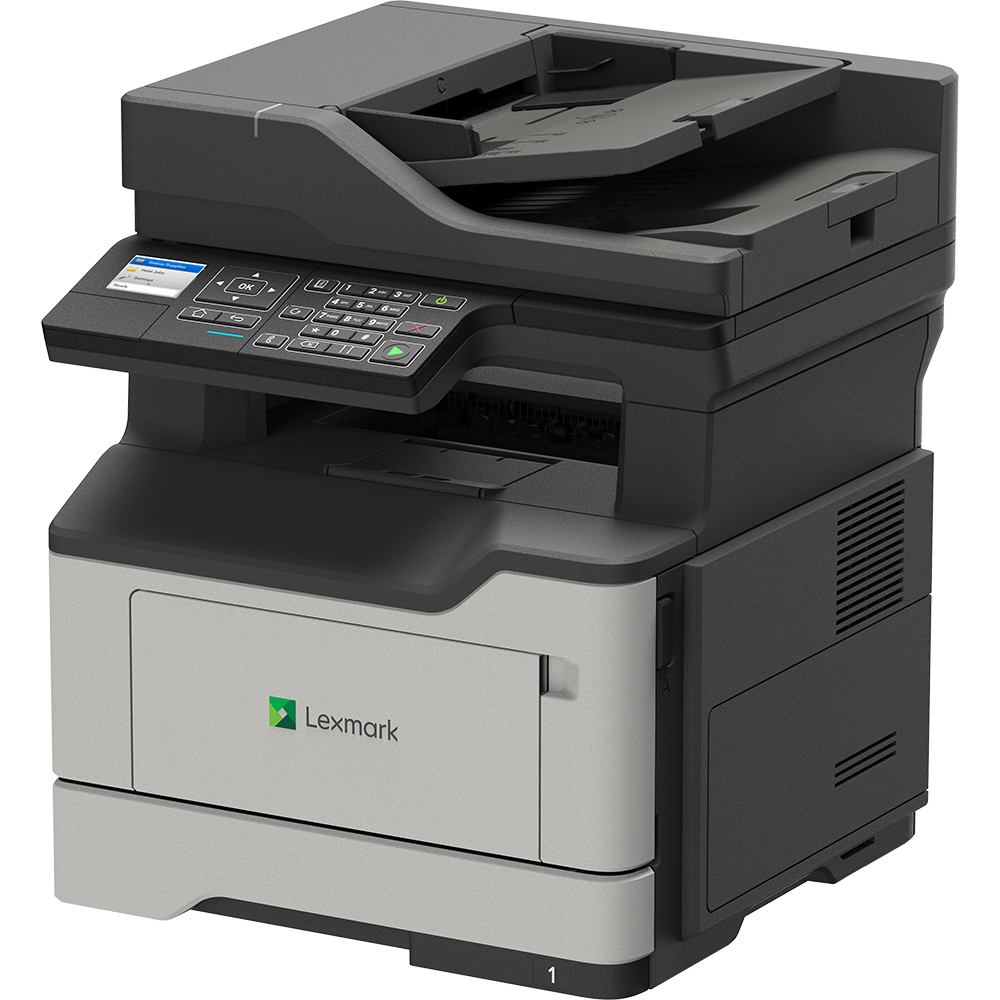
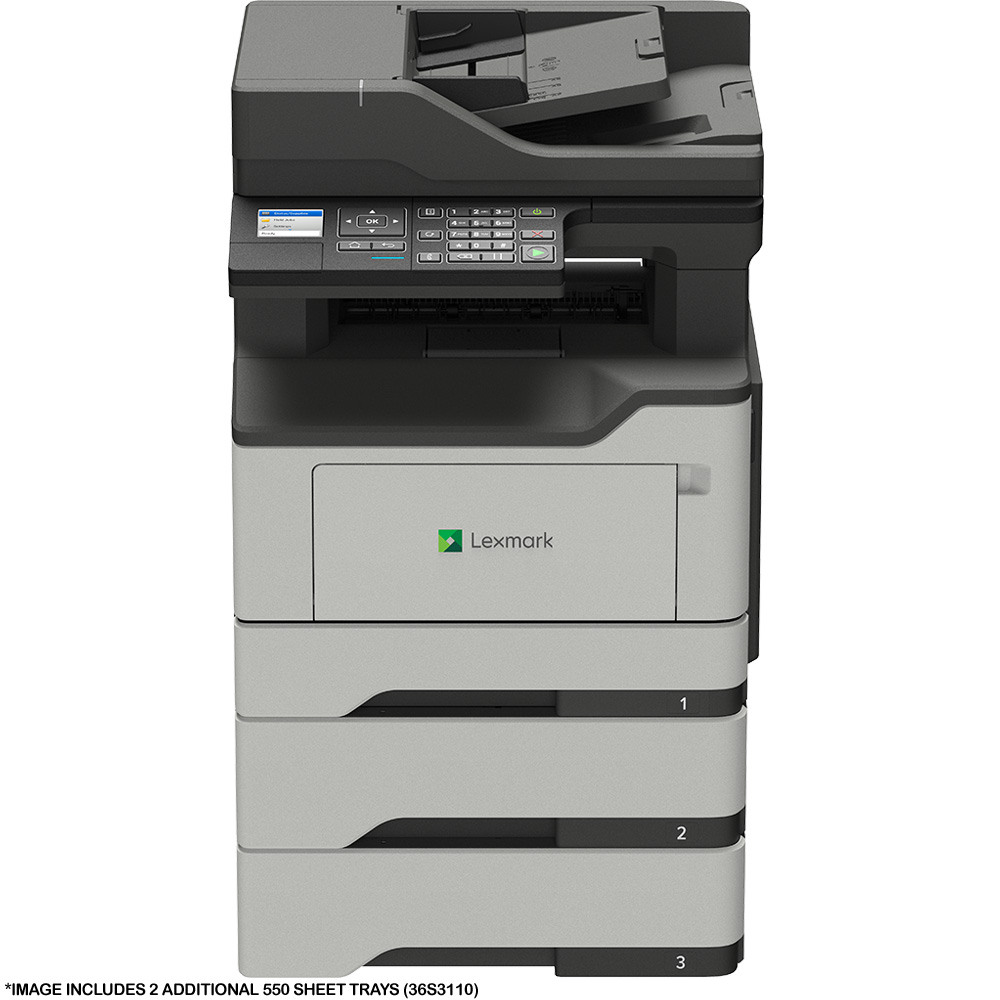
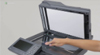
The Lexmark MB2338adw has both a USB and Ethernet connectivity, as well as wireless, and is both AirPrint ready and Mopria certified. Duplex printing is the default setting in the print driver. For odd sized documents it would be recommended to lift the lid and use the scanner glass rather than the ADF; place the document facedown in the corner which is marked by an arrow.
Q.
How do I scan a document onto my laptop from a Lexmark MB2338 adw ? There does not appear to be a menu option on the printer display.
A.
Hi, to scan to computer on the Lexmark MB2338adw select Settings, Device, Maintenance and then Configuration Menu. On the USB configuration option, select USB Scan to local and then select On. Unfortunately we don't have a technical support department here at Printerland. However if you are still struggling with the setup of this setting, you can call Lexmark's Technical Support Line on 0845 601 5955.
Q.
Hi,
Is this printer Linux compatible please.
Many thanks
Deb
A.
Yes, the Lexmark MB2338adw currently supports the following Linux operating systems: Debian GNU/Linux 7.0, 8.0, Ubuntu 16.04 LTS, Fedora 23, 24, openSUSE Linux 42.3, Red Hat Enterprise Linux WS 6, 7, openSUSE Linux 13.2, SUSE Linux Enterprise Desktop 10, 11, 12.













 What is AirPrint?
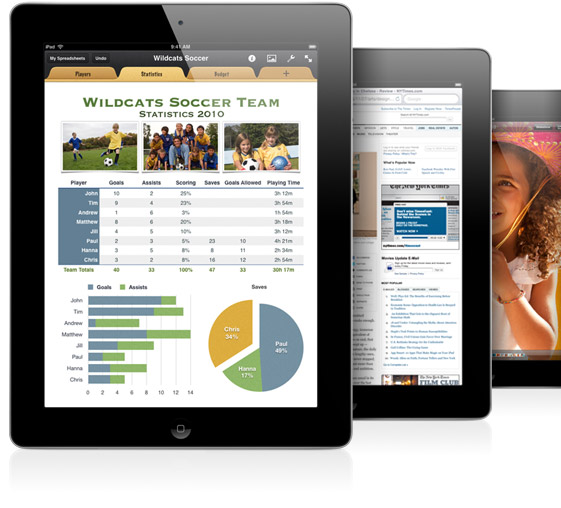 If you can open it on your apple device, chances are you can print it with AirPrint and an AirPrint compatible printer. Airprint works with Safari, Mail, Photos, iWork, PDF's in iBooks and many third-party AirPrint compatible apps available from the app store.