Q.
Can my wife print photos directly from her phone?
A.
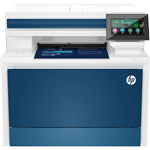
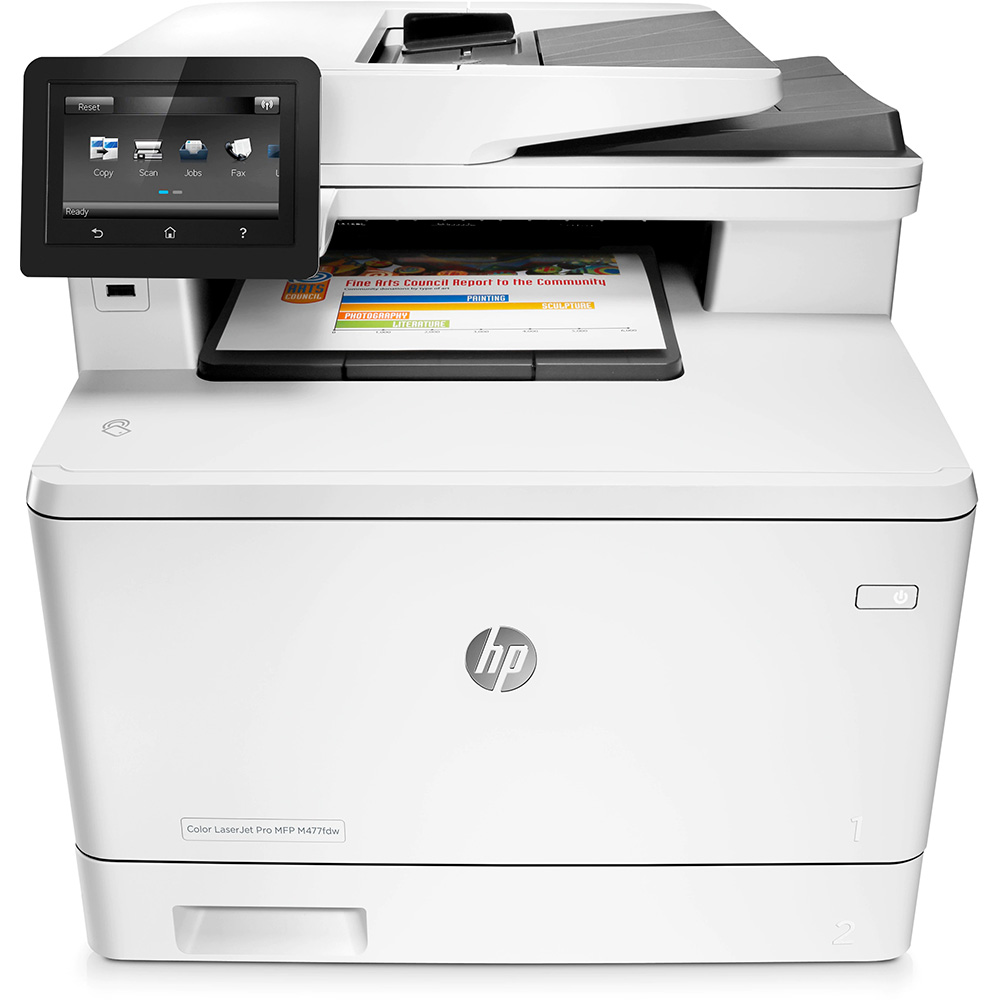
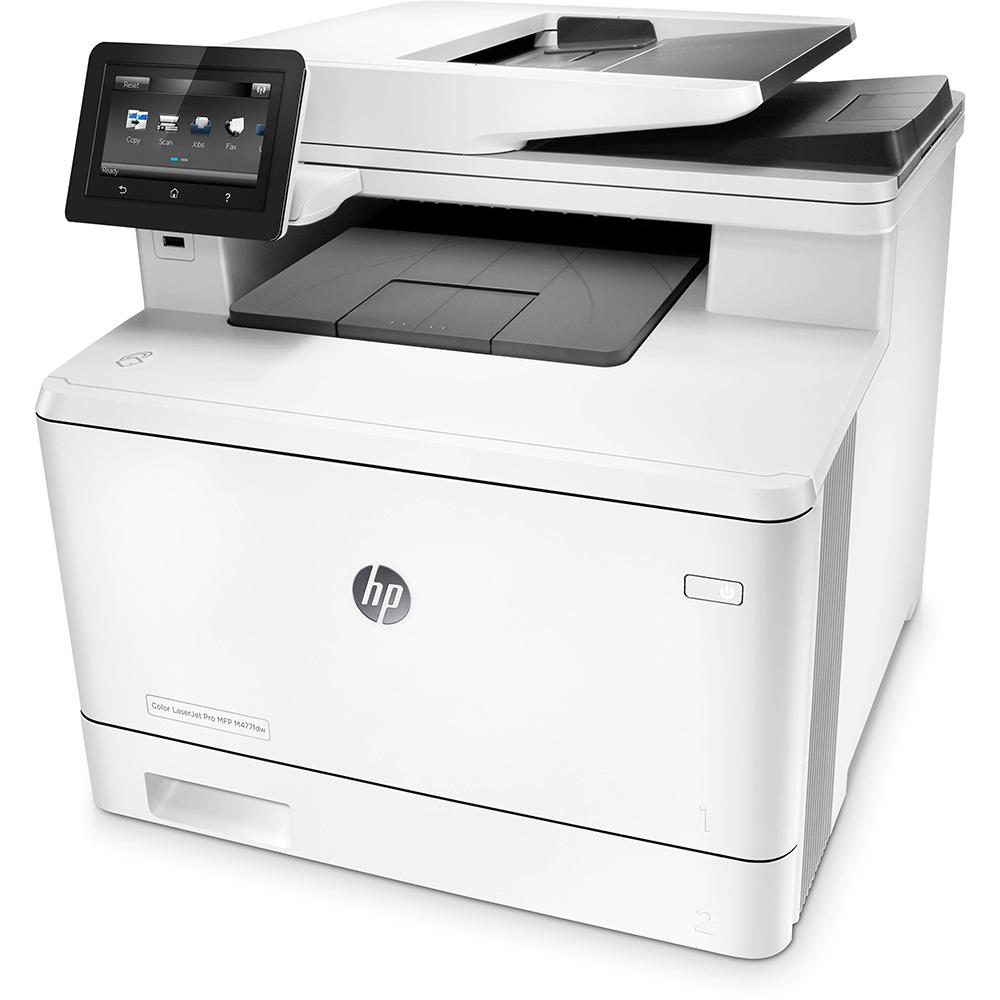
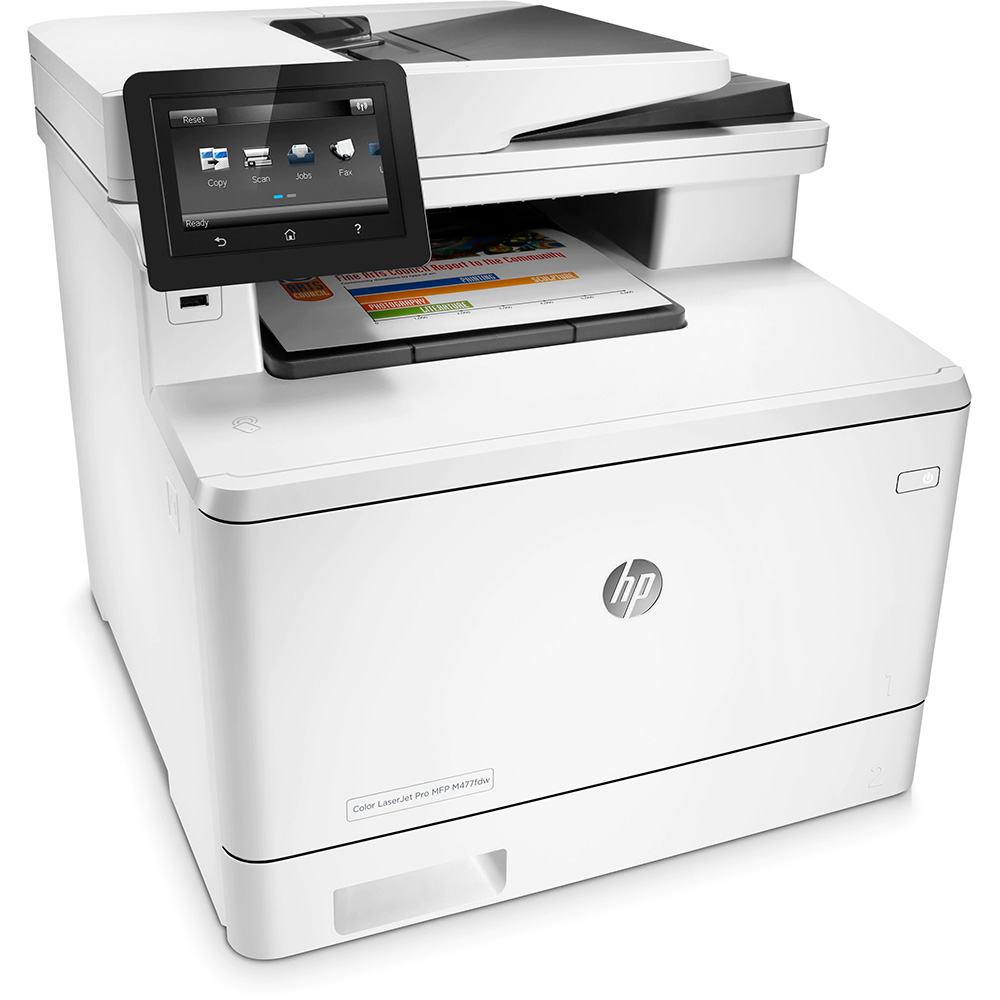
The HP LaserJet Pro M477fdw is Apple AirPrint and Google Cloud Print compatible which will allow you to print from Apple or Android devices. There is also a HP ePrint app which is available to download from the app store for most mobile devices. Mobile printing methods will only work if both the mobile device and the printer are set up onto the same wireless network.
Q.
Hi
Does the printer support wireless printing and does it support NFC?
Many thanks
A.
H, Yes the HP LaserJet Pro M477fdw supports wireless printing.
Q.
Does it print borderless and can i print on photo paper?
A.
Hi, Unfortunately the HP LaserJet Pro M477fdw doesn't support borderless printing. Yes this printer can print on photo paper.
Q.
Will this printer cope with 160g/m card through the bypass tray?
Is an additional feeder tray available for this printer?
A.
Hi, the HP LaserJet Pro M477fdw will take a maximum media postcard weight of up to 176gsm in the bypass tray.
Yes, you can add the HP 550 Sheet Paper Feeder to the HP LaserJet Pro M477fdw to enhance the printers paper handling.
Q.
Hi, some of the videos of this printer online, show the power button blinking on and off, maybe when it’s in standby. This was really irritating as I watched the videos, and it would be if I purchased this printer, so can you clarify if the power button on the front of the printer DOES continually blink all the time, or doesn’t it only blink under certain circumstances please? And can you turn the light off if you so wish please? Thank you.
A.
Hi, When the power button on the HP LaserJet Pro M477fdw is blinking, this indicates that the device is in standby mode. For the light to turn off, the device would need to go in to sleep mode. If you are ok with the device taking a longer time to return from sleep mode, this setting could be set to be shorter than the standby time.
Q.
Can the printer still print black only if the colour toners are empty and in need of replacement?
A.
Unfortunately the HP LaserJet Pro M477fdw does not continue printing in mono if the colour toner cartridges are empty. This is because many laser printers still use small amounts of colour toner when printing in monochrome to ensure the print quality is as high as possible.
Q.
Can this printer cope with 120gm paper? What is the max thickness for printing please?
A.
Yes, the HP LaserJet Pro M477fdw is capable of handling media weights up to 200gsm.
Q.
Hi in my work i have a lot of double sided pages that need copying, can this definitely do double sided copying ? Thanks
A.
Hi, Yes the HP LaserJet Pro M477fdw has a maximum duplex copy speed of 24cpm.



















 What is AirPrint?
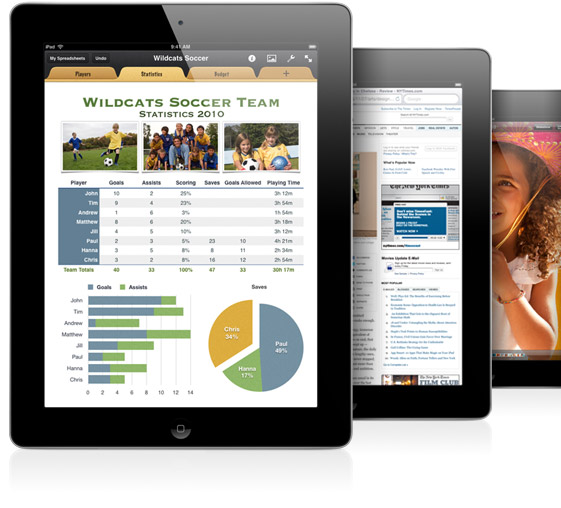 If you can open it on your apple device, chances are you can print it with AirPrint and an AirPrint compatible printer. Airprint works with Safari, Mail, Photos, iWork, PDF's in iBooks and many third-party AirPrint compatible apps available from the app store.