www.printerland.co.uk
The UK's no.1 for Printers & Ink
0800 840 1992 Call us FREE Mon - Fri 8:30am - 6:00pm
FREE Next Day Delivery on all Orders Over £125*
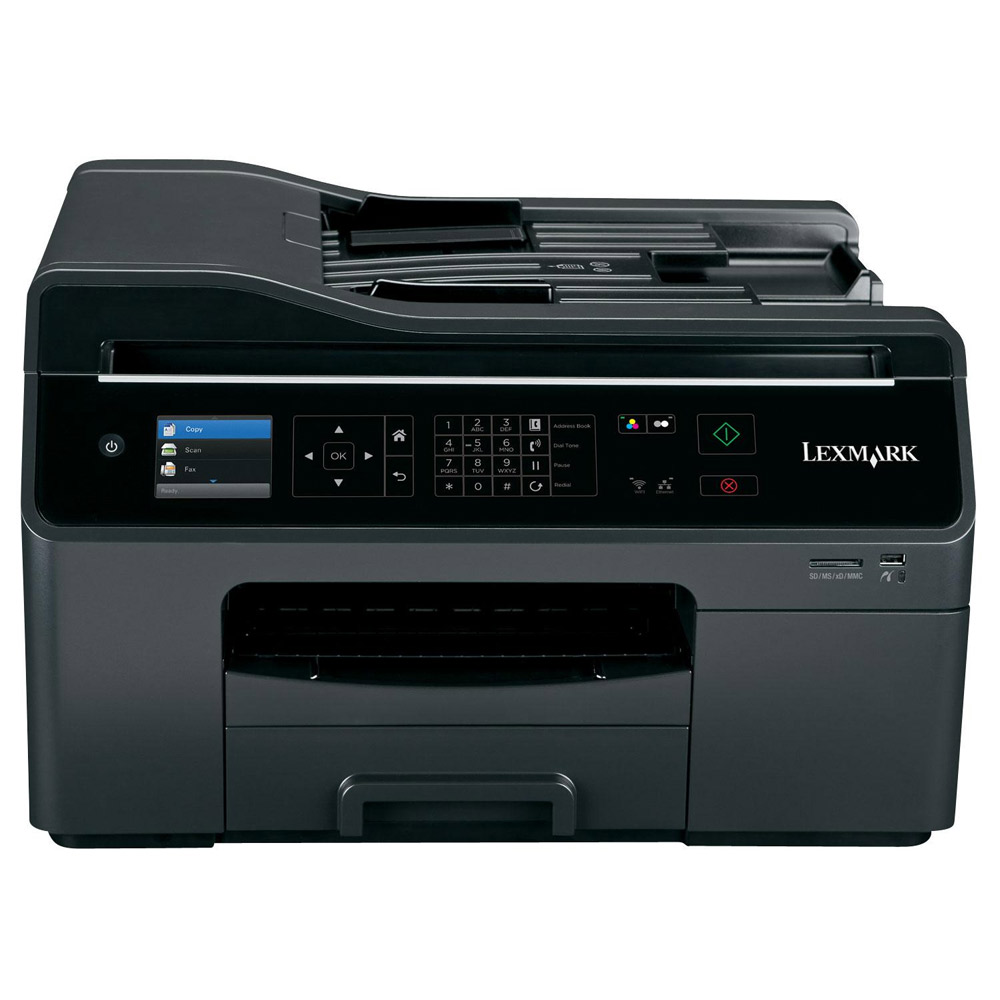
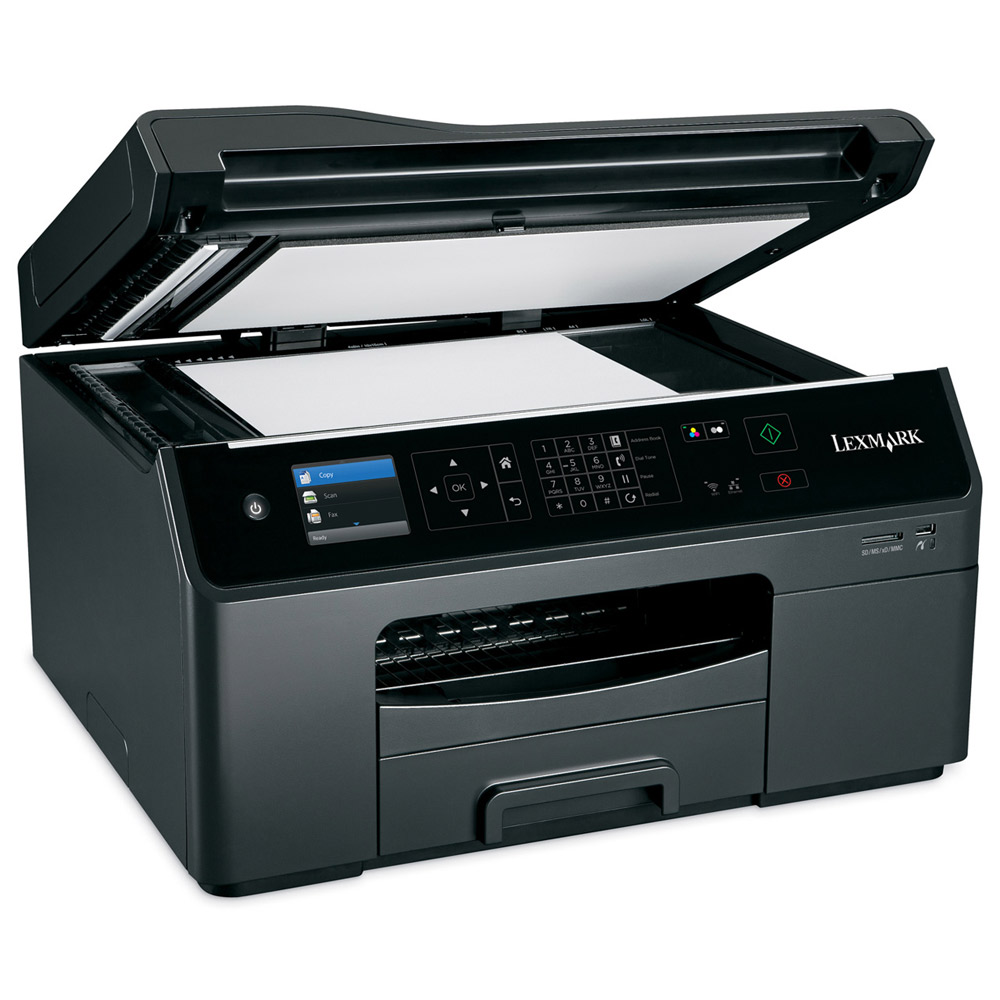
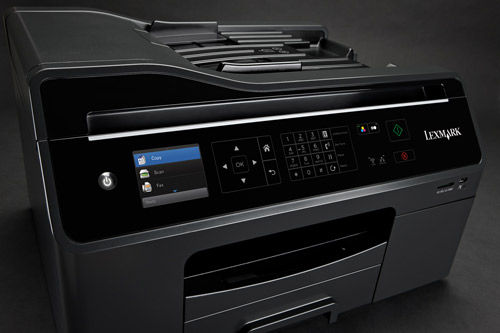
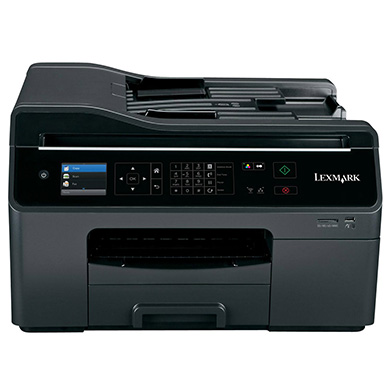
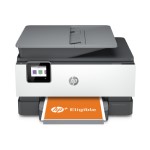
Lexmark OfficeEdge Pro4000 A4 Colour All-in-One Inkjet Printer
Print/Scan/Copy/Fax
90P4007
Less than 1p per page Mono & 3.3p Colour
Discontinued

Lexmark OfficeEdge Pro4000 Overview


  • 36ppm Colour Print
  • 256MB RAM
  • 40ppm Mono Print
  • USB, Network & Wireless
  • 33.6Kbps Fax
  • PCL 5c Emulation, PCL 6 Emulation, PostScript 3 Emulation, xHTML, PDF 1.6, Direct Image
  • 300 Sheet Input Tray
  • Automatic Double Sided Printing
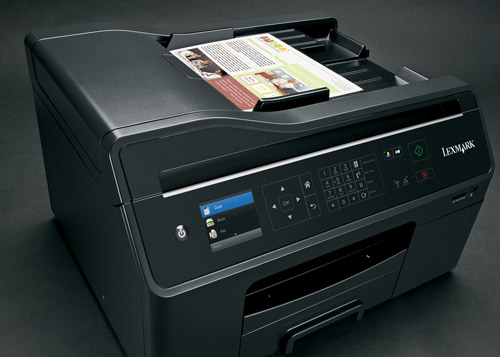
  • 50 Sheet ADF
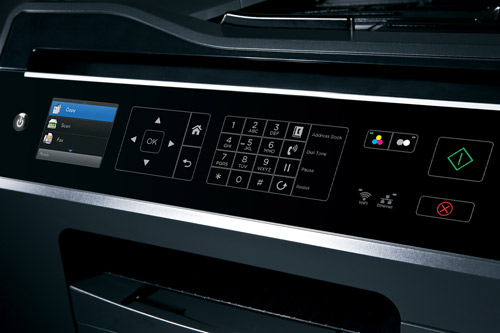
  • 2.4" Colour LCD Screen
  • 4800 x 3600 dpi Print
  • Windows & Mac
Lexmark OfficeEdge Pro4000 in More Detail

• Built for heavy-duty printing. Buyers Lab Inc., the imaging industry’s leading independent test lab, successfully ran 20,000 pages paper jamfree.
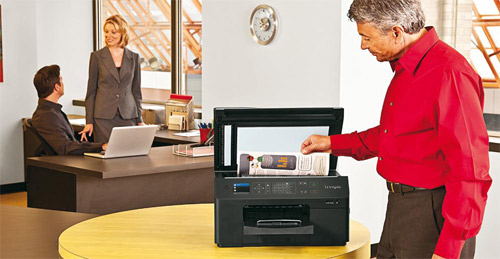
• Ideal for multi-user workgroups; provides the flexibility of networking via Ethernet or wireless-N.
• The USB port allows for convenient walk-up printing of many popular file formats, including PDF and JPEG, without the use of a PC.
• Backed by LexmarkConnex premiere customer support; free online and phone support minimises wait time with remote printer diagnostics.
• Easily load different types of paper with the optional 550-sheet tray that boosts input capacity up to 850 sheets or 75 envelopes.

• Print documents with the crisp text quality of a laser and the vivid detail of an inkjet.
• Make a lasting impression on customers and do more in-house printing with smear-resistant Vizix Pro inks.
• Print documents on a variety of speciality paper, including card stock, labels and envelopes; accommodates paper sizes up to 8.5 x 14inches (21.5 x 35.5cm). • The Pro4000 includes the features you need and a 50% lower printing cost on laser-quality documents.
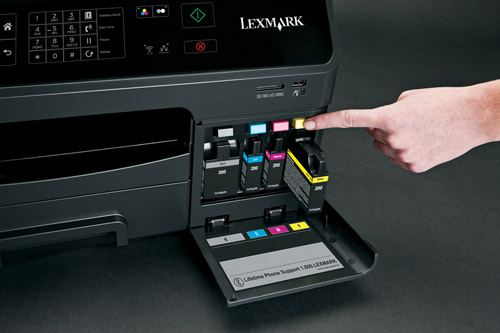
• Fewer supplies replacement with high-yield cartridges. Cartridges yield up to 2,500 pages in black and 1,600 pages in colour.
• Prints faster than most similarly-priced colour laser MFPs with speeds up to 21 ppm in black and 14 ppm in colour.
• Enhance efficiency and productivity with time-saving 1-touch solutions, including Scan to Network, Scan to Email and Scan to PDF.
• Quickly scan documents in as fast as 5 seconds per page using the 50-sheet automatic document feeder.

Lexmark OfficeEdge Pro4000 All-in-One printer
Printhead
One each: black
cyan
magenta and yellow cartridges*
Quick setup sheet
Quick Reference Guide / User’s Guide on CD-ROM
Networking Guide
Fax Guide
Installation software on CD-ROM
Power supply and cord
RJ-11 Phone cable or adapter
Wireless setup cable for USB connection
Service information and statement of limited warranty / guarantee


Specification Name
Value
Multifunction Summary
Print/Scan/Copy/Fax
Product Summary
Lexmark OfficeEdge Pro4000 A4 Colour Inkjet Printer
Barcode
0734646298988
Maximum Paper Weight
300gsm
Speed Colour
36ppm
Speed Monochrome
40ppm
Copy Speed Colour
26cpm
Copy Speed Monochrome
34cpm
Mono or Colour Printer
Colour
Paper Handling Input 2
50 Sheet ADF
Fax Speed
33.6Kbps
Paper Handling Input 1
300 Sheet Input Tray
In The Box
Lexmark OfficeEdge Pro4000 All-in-One printer, Printhead, One each: black, cyan, magenta and yellow cartridges*, Quick setup sheet, Quick Reference Guide / User’s Guide on CD-ROM, Networking Guide, Fax Guide, Installation software on CD-ROM, Power supply and cord, RJ-11 Phone cable or adapter, Wireless setup cable for USB connection, Service information and statement of limited warranty / guarantee
Printer Resolution
4800 x 3600 dpi
Scanner Optical Resolution
1200 x 4800 dpi
Copier Reduce/Enlarge
25 to 400%
Technology
All-in-One Inkjet Printer
Memory (Maximum)
256MB
Interface Type(s)
USB, Network & Wireless
Printer Languages
PCL 5c Emulation, PCL 6 Emulation, PostScript 3 Emulation, xHTML, PDF 1.6, Direct Image
Product Group Output
A4
Double Sided Printing
Automatic
Network Interface
Built in Ethernet
Wireless System
Wireless 802.11 b/g/n
Direct Printing Port
1 x PictBridge
USB Ports
1 x USB 2.0
RJ-45 Ports
1 x RJ-45
Case Colour
Black
Scanner Type
CIS (Contact Image Sensor)
Maximum Paper Size
A4
Number of Print Cartridges
4 (black, cyan, magenta, yellow)
Certifications
Energy Star, CSA, c-UL-us, ICES Class B, Executive Order 132221, CE Class B, CB IEC 60950 IEC 60825-1, GS (T V), SEMKO, C-tick mark Class B, V85, CCC Class B, BSMI Class B, METI(PSE), VCCI Class B, FCC Class B, UL 60950 3rd Edition, CCIB
Scan Facility Present
Yes
Fax Facility Present
Yes
Automatic Document Feeder
Yes
Operating Systems Supported
Windows & Mac
Warranty
1 Year Replacement
Network Ready
Yes
Noise Level
52dbA
MultiMedia Card
Sony Memory Stick, Memory Stick PRO, Secure Digital (SD) Card, MultiMediaCard (MMC), xD Card, Sony Memory Stick Duo (with adapter), Mini Secure Digital (Mini SD) Card (with adapter), Sony Memory Stick PRO Duo (with adapter), SanDisk TransFlash Memory Module (with adapter), RS-MMC (with adapter), xD Card Type M, Type H, MultiMediaCard (MMC) Mobile (with adapter), Micro Secure Digital (Micro SD) Card (with adapter), Secure Digital High Capacity (SDHC) Card (with adapter)
Scanner Document Size
21.6 x 35.6cm
Scanner Bit Depth
48-bit
Paper Size
10 Envelope 7 3/4 Envelope 9 Envelope A4 A5 B5 Envelope C5 Envelope DL Envelope 6 3/4 Envelope A2 Baronial A6 Card B5 C6 Envelope Custom (Up to 216 x 432 mm) Hagaki Card Index Card Executive Legal Letter 4 x 6 inch L 2L Chokei 3 Chokei 4 Chokei 40 Kakugat
Paper Weight
75g/Sq m
USB Port
Yes
Parallel Port
-
Serial Port
-
Wireless Ready
Yes
Additional Paper Tray
-
Monthly Duty Cycle
30k Pages Per Month
Dimensions
500mm (W) x 427mm (D) x 300mm (H) - Weight 15.9kg
LCD Screen
2.4" Colour LCD Screen
Media Supported
Card Stock, Envelopes, Labels, Plain Paper, Transparencies, Hagaki Card, Iron-On Transfers, Photo Paper, Heavy Weight Matte Paper
Carton Dimensions
595 x 395 x 509mm - 18.5 kg
5.00
by 
Good value for money Very happy with this, low running costs, quick printing and copying. helpful staff too!

5.00
by 
grateful thanks from first to last it has been a pleasure dealing with the company. with grateful thanks to mariann martinez who was of great help in procuring this printer

4.00
by 
Printer Have only just started using the unit today so I cant comment too heavily on performance but I did a fair bit of research before purchase and this seamed the best option for me. The delivery and service was swift and efficient and the price was good.

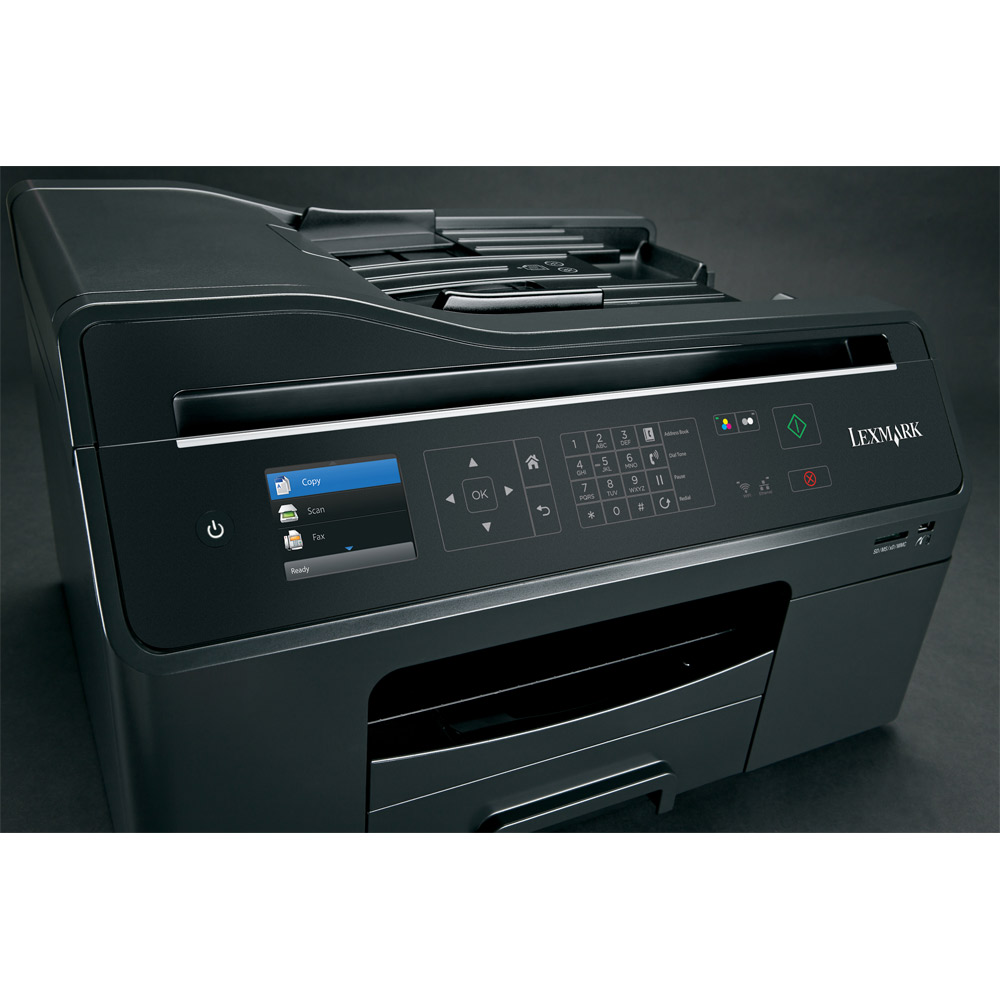
Lexmark’s OfficeEdge Pro 4000, while quite large, is very sleek, with lots of blue LEDs and a clear and readable screen. It certainly won’t mess up your classroom.

The OfficeEdge Pro 4000 is very fast. It took just 17 seconds to print our A4 photo at its highest quality settings, while a page of mixed text and graphics arrived in nine seconds. Text documents take just four seconds for the first page to emerge, with subsequent pages coming through at speeds of 15.4ppm. If immediacy is a major requirement, this is the printer for you.

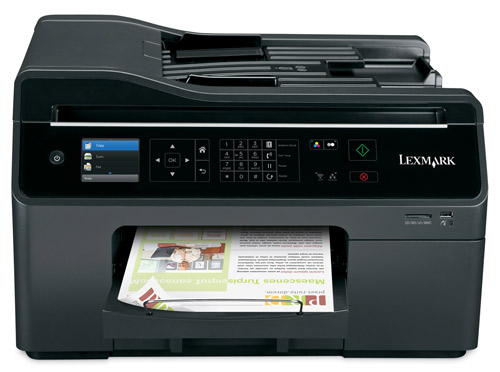
What’s most impressive is that this performance comes with no compromise on quality. Printed photos look superb, with more detail and richer colours than other printers in this test achieved in over a minute. Text is dark and well defined, and graphics look crisp and punchy. Scans also look good, with sharp images and minimal grain, and you can scan an A4 photograph at 600dpi in just six seconds.

The first thing you notice about the Lexmark is just how long it takes to set it up. Obviously you have to do this only once, but when all you want to do is print a document, and a countdown on the printer screen says you have to wait 12 minutes till you can use it, it seems a bit excessive. Still, the process is very simple, with the software handling all the hard work, and you can opt for USB, Ethernet or 802.11n Wi-Fi connections. In our tests these all worked well, and with no problems in communication

The Lexmark has a 350-sheet input tray, so if you have to share the printer you won’t have to spend much time refilling it. It also features duplex printing, which is surprisingly speedy and quiet. Print costs could be a little more competitive: 4.02p for a colour page isn’t bad, but 1.08p for a black-and-white page is a little high, and that’s with high-capacity cartridges.

The OfficeEdge Pro 4000 is quick, good-looking and reliable, and the only thing that counts against it is that HP’s OfficeJet Pro 8600 Plus is slightly cheaper and more economical to run.

All consumable life cycles are MANUFACTURER ESTIMATES based on 5% per page coverage.
images are used for illustration purposes only
why buy from Printerland?
To assist you in selecting the most suitable product
To get you the best price on your product
To deliver the item in the quickest time possible
Safe internet shopping from printerland Safe internet shopping from printerland
Join the Printerland.co.uk mailing list for the latest promotions & discount codes
Name*
 
Email*
 
*Required
printerland payment methods
The Printerland Promise...

We Will Not be Beaten on Price...
Even on Ink & Toner Cartridges! *

Free Next Day Delivery
on all Orders Over £125

Call us Free on 0800 840 1992
printerland trustpilot badge

Terms & Conditions*
We use cookies to ensure the very best shopping experience possible. By using this site, you consent to our use of cookies in accordance with our cookie policy